


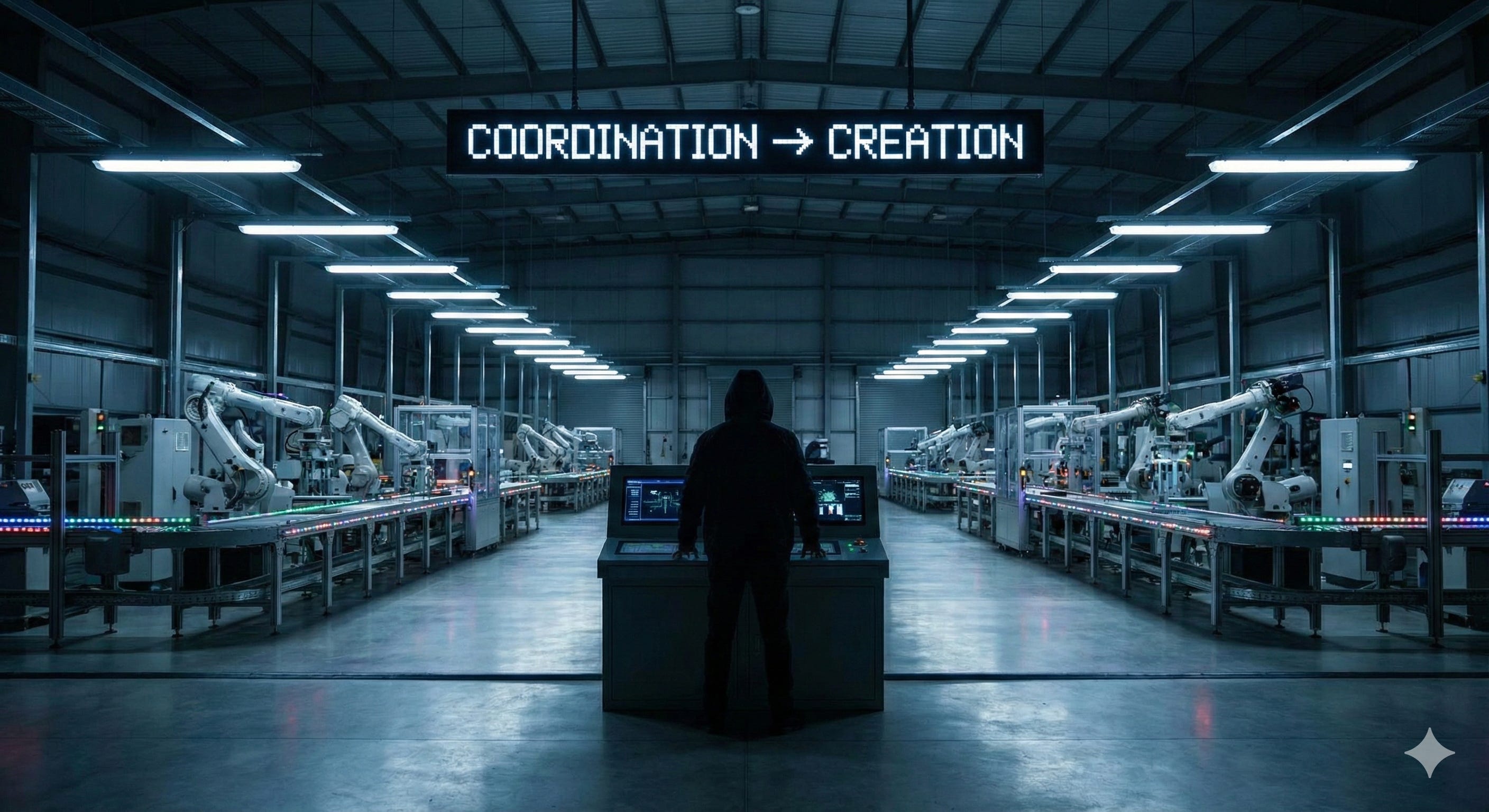
Vibe-Coding and NoCode has been hyped in the past year. As usual “clickbaity” headlines dominate the feed with predictions that these tools will replace engineering teams. That a few prompts will create software in minutes that would have take entire engineering teams months if not years.
I’ve worked intensively in the past years with the tools and I can confidently claim that the hype is well deserved but misdirected.
Just as many engineers but more makers
The way I see it there are three different categories of tools on the market.
Prompt builders. The promise: Build production ready software just by writing instructions. Examples are Lovable or Base44. And they do work. Limiting factor is understanding software to the extent that you can clearly articulate what you want to be build. This is easy for small applications or websites but becomes increasingly difficult for complicated backends embedded in a complicated context. In practice these tools can become frustrating when you are forced to itereate towards increasing complexity. It might be just me (and the persons I talk to) but at some point these builders tend to do stuff that you didn’t ask them to.
The barriers of entry are very low but the return on investment quickly decreases with complexity. As soon as prompts no longer do what you want them to do, you find yourself in a cule-de-sack. If you are lucky these tools allow you to export the code base so you can edit it the old fashioned way. Which also means you need “pro-code” skills at that point. Some freelance-engineers already have identified that need as business opportunity and are targeting their services towards vibe coders who got stuck.Interface builders. Interface builders have a very long history - starting with WYSIWYG-website builders (What you see is what you get). But including classics like Dreamweaver or web 2.0 icons like Wordpress - these systems were limited to mostly frontend applications. With a bit of tech know how and couple of templates, you can quickly learn to build a homepage maybe even an onlineshop. Some knowledge in HTML and CSS was helpful but not necessary. But you can’t really build custome software with these. Things started to change with tools that additionally offer process features or are exclusively focused on backend processes such as n8n, Make.com or Xano.
The principles of these tools is the same: They offer an interface to the user that is easier to understand and use than “real code”. In some way it is still code but on an additional abstraction layer. E.g. Make.com represents functions as a sequence of steps shown as interconnected bubbles with the option to determine conditions that route the process.This example already illustrates that these tools already require some basic understanding how algorithms and software works. But in comparison to “pro-code” these tools are much more accessible for beginners and it easy to just get going while already making stuff that creates value such as automating a simple data transfer. A lot of these interface builders have features that link to the other two domains - the option to create by prompting and the option to add code snippets.
A downside, that you should be aware of, is that most tools lock you in their environment. E.g. you can’t just export your Make.com flows and run the workflows on your local machine. Same is true for Bubble, n8n (even if you can run that on your local machine…it still needs you to run n8n), or also for the API part of Xano. Another downside is, that there are some tradeoffs regarding flexibility. There are cases where you have to be fine with workarounds. Nevertheless I personally love these tools as they hit the sweet spot for me on the control vs. usability trade off.Coding Copilots. Copilots work in an IDE or an environment that looks very similar to one. So this is an interface that no longer shows a representation of code but code itself. The AI tools like Cursor or Windsurf do their work in that environment. While you instruct these co-pilots via prompts the output is real code. The upside productivity-wise is the same as for prompt builders. You can create massive amounts of code and functionality in the matter of minutes. The down-side is similar as well: Sometimes “things” happen - go off the rail and it no longer does what it is supposed to do. At this point your only option is to (once more) actually understand what your co-pilot has been coding in oder to adjust the instructions or adjust things yourself. Meaning, after all, when you work with copilots you should understand the code the copilot is writing from the get go. So this is a powerful tool for developers. Non-engineers can create simple applications with it as well but run risk to dig themselves into once the software gets more complex.
The coding copilots - even though they have the option to make engineers much more productive - will not replace an engineer, as you still should have coding expertise to use it properly in my opinion. I am also yet to work in a company where we truely felt like we have “enough” engineers considering all the requirements and opportunities in the backlog. So I think there is lots to be gained. I might be wrong though when it comes to junior developers in big companies. Other than that I would expect the copilots to increase the output of engineers, not replace them.
The powers of coders to the masses
The other two - prompt and interface builders - are interesting though, as you don’t need much expertise to get started and you get quickly proficient enough to create value. Personally it took me less than two months from logging in to Make and Retool for the first time to automating the B2B invoice at FINN and creating a custom offer creation tool for the sales team. And it is by no means a special ability: If you were able to learn a tool like Excel by occasionally googling, you are probably smart enough to learn how to use an interface builder.
The revolution (yes - big word but I think it is no less) is that this allows people without real coding expertise to create digital products. It allows people to build products they need themselves. Products being anything that creates value for the user - from a simple automation to a complete marketable software.
And these people are uniquely qualified to do so as they are the experts themselves. They leverage their domain expertise to create solutions for themselves or others, working alongside IT to speed up innovation and reduce the burden on professional developers, who can focus on the core system and more complext tasks.
The ability to make things yourself creates a new leverage for these experts and replaces the previous dependency on either, a central IT team that quite often is a bottleneck, or an expensive external agency. The power that was concentrated before in the hands of expensive developers and servicde providers, is now accessible to a much wider audience.
Additionally, the creation process is even more efficient as there is no communication inherent loss of information from user to product management and eventually to developer. I wouldn’t go so far to argue that the managerial level of work will become obsolete in the product realm, but the workload will certainly be reduced (No-code architecture is yet another monster to slay. Probably something for a future post).
My appeal for entrepreneurs and executives alike is to realize that by extending the maker leverage you set yourself up to realize the potential of digitalization in general (yes…there is still work to be done - even decades later) but also set yourself up to take advantage of new technologies such as AI and take advantage of new software tools by immediately integrating them into your system. The potential within the current workforce is vast and it is now your turn to provide them infrastructure to get started
.